
Vibe Coding for Non-Coders
Build any app you want with Claude Code

We’re holding an AI Frontiers Summit on April 2 featuring AI leaders like Fireflies’ CTO Sam Udotong, startup program leads from OpenAI and Anthropic, top AI startup investors and more - request your spot here.
I’m completely Claude Code-pilled.
I’ve always been envious of the developers and product builders who I’ve worked side-by-side with over the last 20 years while I sat on the business side as a marketer or investor. With Claude Code, I am finally getting a taste of their superpowers… and it’s intoxicating.
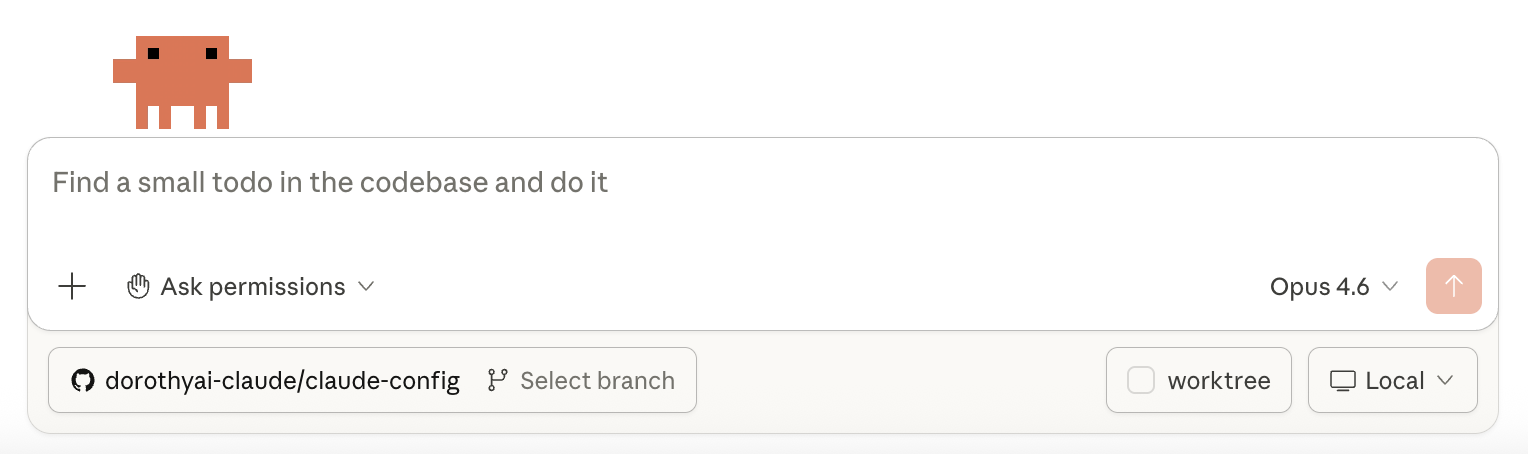
The vibe coding phenomenon has been going on for the past year, but it started focused on a more technical user, until now. My friend Melody (partner & Chief Product Officer at NextView Ventures) tipped me off to the fact that it’s now so good that a non-coder like me can use it to go all the way from idea to a working application in under an hour. Even my kids are coding games they can play with their friends in multi-player mode. It’s mind-blowing. Even since I started using it, they’ve released new features that make it even easier to use. The pace of development is unbelievable. (By the way, if you tried it before this year and gave up, it’s worth giving it another try. It’s totally changed.)


We can now just talk to Claude Code about what we want to make, and it’ll go and build it. If it says anything I don’t understand, I just ask. It sets me up with outside tools if I need them like Vercel and Railway and Github, tells me best practices for using them, and which settings to click on.
In this new age, coding goes from being mysterious and confusing to a process that is completely guided, on demand.
So I thought I’d take a moment to explain the first few things that helped me get started. The tutorial from Melody was extremely useful, and I have now onboarded a few friends myself. This post shares the basics so you can get started yourself. It’s not difficult, but if you feel a little intimidated, hopefully this helps. Here we go!
The 10-Minute Set Up
***READ ME FIRST, this is the Most Important Note: I’ve tried to explain things simply below, but if anything is unclear at any point when you’re reading this or using Claude Code… just ask Claude Code! That’s the beauty. It’s impossible to get stuck.***
Use your main computer to set up. It’s a little complicated to use multiple systems, so set up on the one that you’d use most often for Claude Code. It doesn’t work independently on mobile yet.
Download Claude Code. You can use it on the Web, in a Terminal, or other ways, but I personally like using the desktop app on Mac (the one for PCs was recently released as well). You’ll need a subscription for Claude Pro ($20/month) or Max ($100/month). I ended up blowing through my Pro limit very quickly and upgraded, but you can always move up and down as needed. In the desktop app, you can toggle between Claude chat, Cowork and Code.
Create a folder structure to keep things organized:
On your desktop, create a root folder for all your Claude projects (e.g.,
Claude Projects).Whenever you start a new project, create a subfolder for it.
Every time you fire up Claude Code, work out of the specific project folder you’re focused on. For general conversations or settings, you can just work out of the root folder.
Tell Claude Code to set up Claude.md files in your root folder and each project folder. These act as persistent memory so Claude remembers context between sessions, and you’ll update these over time. Think of them as a running notebook that keeps Claude on the same page as you. You’ll want one in the root folder, and one in each project folder.
Root-level Claude.md: this will be for your personal context, coding preferences, and general info that applies across all projects (you can just leave it blank for now, and eventually you’ll add to it over time). Every time you use Claude Code, it will review this info and keep it in mind. Here’s some example language to start it with:
I’m a non-technical founder building consumer products for fun. I prefer simple, clean designs. Explain technical decisions to me in plain language; don’t assume I know any technical jargon. Ask me questions whenever I’m unclear, and if I need to make a technical decision, please explain the differences between the options I need to choose from and make a recommendation.
Project-level Claude.md: for each project you work on, you’ll set up a Claude.md file with details specific to this project: context, decisions you’ve made, things Claude has learned, architecture notes.
You’ll need something to view these md files. MD = markdown, which is basically just a simple text file with light formatting. You can use a Terminal, VSCode, Warp or something else to view these files.
How to Use Claude Code
You don’t write code. You have a conversation.
Describe what you want in plain language
Claude asks clarifying questions
You go back and forth until it’s right
Claude handles the technical parts- setting up GitHub, server accounts, connecting domains, all of it. Don’t know what GitHub is for, or how to use it? Just ask Claude Code along the way.
The only skill you need is logical thinking. If you can describe what you want clearly and think through how something should work, you can build with Claude Code.
Tips for Talking to Claude
Be specific about what you want, not how to build it. You can say “I want a landing page with an email signup form and a bold headline that says X.” It’s not expecting you to specify technical details like “build me a Next.js app with a Supabase backend.” Claude can pick the technical approach based on what you’re saying.
Say what you don’t like. “That looks too corporate” or “the spacing feels off” is genuinely useful feedback. You don’t need to know CSS to direct the design.
Ask “what did you just do?” after Claude makes changes. You’ll start picking up concepts naturally, and it makes you a better collaborator over time.
Operate like a startup. Build a rough version quickly, start testing it, and iterate from there. For something simple, you can just give it a paragraph and see what it can do and go from there. It’s a good way to get started. When you move on to more complex projects, it’s better to spend time upfront talking through the concept with Claude Code and having it develop a project scope ahead of time, before it starts to code.
What You Can Build
More than you’d expect. Tools that would have required a developer and thousands of dollars a year ago can now be built in an afternoon conversation. Claude Code can help you:
Build and deploy websites and web apps
Create content generation and marketing tools
Set up automated workflows (e.g., a system that logs what you learn and generates future content ideas from it)
Connect domains, manage deployments, handle the full stack
When Things Go Wrong (They Will)
This is normal. A deploy will fail, a page will look broken, or Claude will misunderstand what you wanted. Here’s what to do:
Just tell Claude what happened. Paste the error message, or describe what looks wrong. (”The page is showing a blank white screen” or “the signup button doesn’t do anything when I click it.”) Claude will diagnose and fix it.
Nothing is permanently lost. Claude uses GitHub to save snapshots of your project as you go, like version history in Google Docs. You can always go back to a working version if something breaks badly.
If Claude seems stuck in a loop, try rephrasing what you want, or say “let’s take a different approach.” Sometimes a fresh angle works better than repeated fixes.
I may have explained things weird or wrong above; I’m not a pro. But that’s the point. Pretty much anyone can stumble their way through building what they want to now. The best way to learn is just to try. So go for it, and please let me know what you’ve built! I can’t wait to hear it.
I’ll be back soon with some more tips that go just beyond the very basics.
Oh - I almost forgot the most important tip: have fun, but please, don’t forget to go to sleep! It’s kind of easy for hours to go by when you’re on a roll. The dopamine hits are wild. Pace yourself!
Dorothy Chang is a venture partner at Flybridge and a co-founder of Lynx Collective.
Love the enthusiasm. The feeling of building something from a conversation is genuinely addictive.
Fair warning for anyone getting deep into this: the rate limits on Pro are tighter than you'd expect. If you are building apps back to back like you describe, you will hit the ceiling mid-session. I burned through my allowance regularly and it breaks the flow at the worst possible moment.
I switched to routing Claude Code through Synthetic with Kimi K2.5. $30/month, 3x the messages per window. Same interface, same CLAUDE.md, same everything. The model is different but for the kind of app building you are describing here, the difference is barely noticeable.
Setup guide here https://reading.sh/how-to-get-3x-claude-rate-limits-for-30-a-month-1d3fdb8658df in case anyone hits that wall and wants an alternative before upgrading to Max.
Thanks for sharing this article, Dorothy. As a non-coder product manager / entrepreneur, I’ve been contemplating taking the plunge into vibe coding for some time (the only hesitation is the potential obsession).
That said, I’ve felt the same sentiment. Constantly surrounded by great devs working magic, plus often feeling like we could skip cycles if I could've prototyped things myself.
I’m planning to get started this weekend!